Daily motivation for people who train
Your future
self.
Every day.
BECOME creates a new AI photo of you on every training day: your face, the body you’re working toward, doing the sport you train for. It lands on your phone before you train, with your meals and workouts planned to get there.
iOS 16.4 or later · Sign in with Apple · Adults 18+
 SAMPLE · AI-GENERATED
The 30-second version
The loop.
You, your plan, tracking, adjusting, motivation. Sound on.
Every person shown is AI-generated.
How it works
Five steps. On repeat.
You
Your body, your goal, how you train, what you eat.
Plan
Meals to the gram. Workouts that fit your week.
Track
Tap “I ate it”, scan a barcode, log your sets.
Adapt
A weekly check-in. Your plan adjusts. You approve.
Motivate
Your future self, on every training day.
The hype call
It calls.
You show up.
We call it the hype call. Not an alarm.
Before you train, your phone lights up with that day’s image and a few words written in the voice of your future self, speaking to who you are today. Tap it, take it in, then go.
Log whether you trained or took a recovery day. Your journey builds from there, one honest check-in at a time.
 BECOME
The plan
Numbers that
adjust to you.
From your weight, height, age and target, BECOME works out your daily calories and protein, splits them into meals with simple portion guides, and shows how many weeks the road to your target takes.
Once a week, on the day you choose, you step on the scale and tell us how the week went. The plan for the week ahead is rebuilt from that: slower than planned, we add; faster, we trim; never more than 100 kcal at a time, always with the reason in plain words. Nothing changes until you approve it.
General guidance, not medical advice. Logging is optional: tap “I ate it” on a planned meal or weigh a plate in the food calculator, and Today shows how close you are to your targets.
Workouts
A plan built
for your week.
Tell BECOME how long you’ve been training, where you train (a gym, or home with the equipment you actually have), which days, and how long you’ve got. Your AI coach builds the week from a library of 800+ exercises, most with photos and a map of the muscles they work.
Every plan is checked against training rules before you see it: weekly volume for your level, recovery between hard days, push balanced with pull. Then it bends with you. Drag a workout to another day, swap any exercise, tell it you don’t have a piece of equipment, or build your own and save it to My workouts.
In the gym, the workout screen times your rest and suggests a little more weight once you hit the top of your reps.
General guidance, not medical advice. Mention injuries or pain in your notes and the coach plans around them; if something sounds serious, it tells you to check with a professional first.
A vision, not a filter
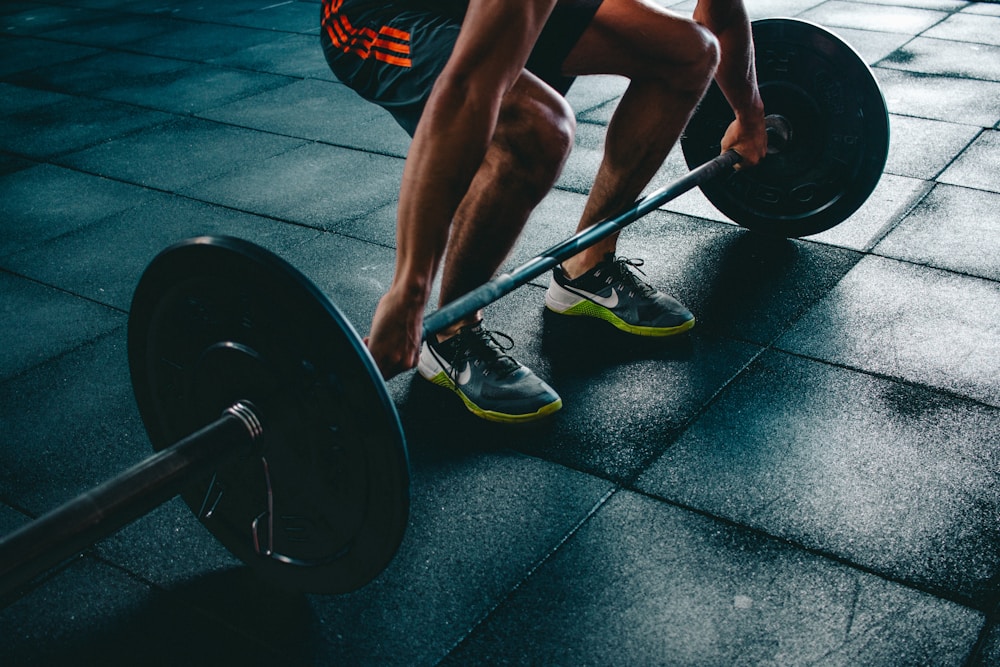
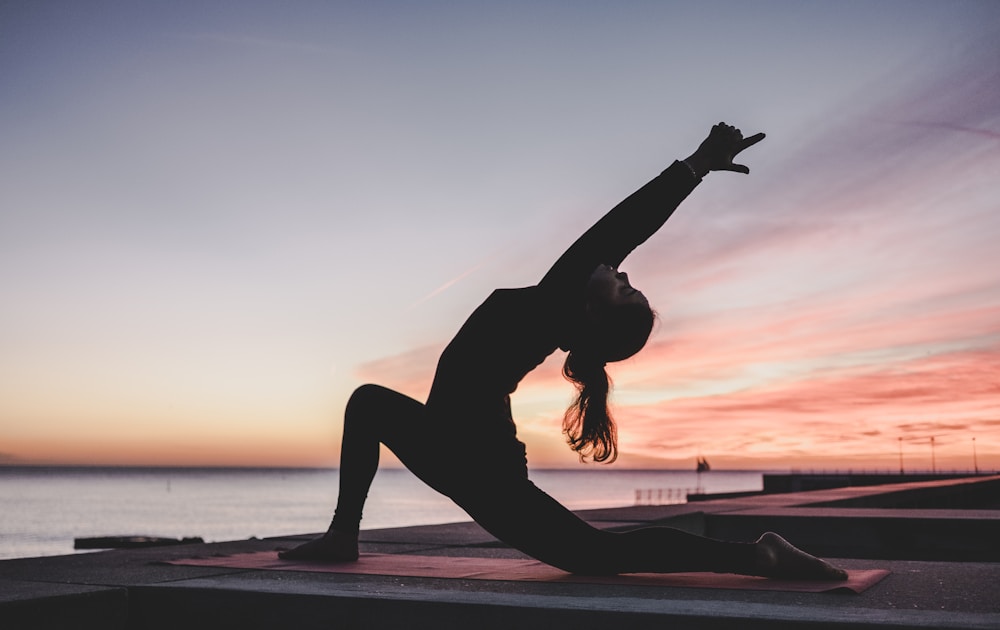
A new scene every day.
Weight lifting, running, walking, cycling, tennis, pickleball, padel, swimming, Pilates, yoga, soccer, American football, basketball or home workouts. Each day gets its own setting, movement and light, shot like a premium sportswear campaign. Samples below are AI-generated examples, not results.

Private by default
Your face. Your rules.
- One purposeYour face photo is used only to create your daily image. Never for training models, ads, or anything else.
- 14 daysGenerated images are kept on your account for 14 days, then deleted. Check-ins stay so your journey stays.
- No ad trackingNo ad networks, no selling of data. Privacy-respecting usage analytics you can turn off. Sign in with Apple, so we never see your password.
- Delete anytimeOne tap in Settings deletes your account, your photo, your images and your check-ins from our servers, immediately.
Questions
Good to know.
Is the image a prediction of how I’ll look?
No. It is a vision built from your face and a body reference you chose. It’s designed to motivate, not to promise or predict results.
Who creates the images?
Your face photo and chosen body reference are sent to an AI image provider (Google Gemini, with OpenAI as a fallback) for the sole purpose of creating your daily image. See the Privacy Policy for details.
Do I have to log my food?
No, it’s optional. The plan gives you calories, macros and meals with portions to the gram. If you want to track, tap “I ate it” on a planned meal, scan a barcode, or add a plate in the food calculator (USDA food data, by the gram), and the Today tab shows how much is left for calories, protein, carbs and fat. The weekly weigh-in is the only thing the plan needs.
Do I need a gym?
No. Choose Home and tick what you have, from nothing at all to dumbbells, bands or a pull-up bar. The plan only uses what you have, and if you find you’re missing something, one tap takes it out of your plan.
What happens on rest days?
Nothing is generated. The app shows your last vision with a recovery message, and you can log a recovery day.
Can I use it without notifications?
Yes. Your plans, tracking and check-ins all work without them. Your daily image comes with the hype call, though: turn hype calls off and the daily image and quote stop too.
How do I delete my data?
Settings → Delete my account. It removes everything from our servers immediately and permanently, and revokes your Sign in with Apple link.
Meet you
on the other
side of today.
Free to download; BECOME Pro subscription required. Adults 18+.